How to Run Cold Email Outreach for Multiple Clients Without Hurting Deliverability
Agency cold email outreach looks simple on a proposal slide: connect inboxes, upload a list, launch a sequence. In practice, every new client adds another layer of complexity — separate sender accounts, distinct messaging, independent reporting, and strict boundaries so one client’s campaign never bleeds into another’s. When volume grows across five, ten, or twenty accounts, the operational load shifts from copywriting to infrastructure management.
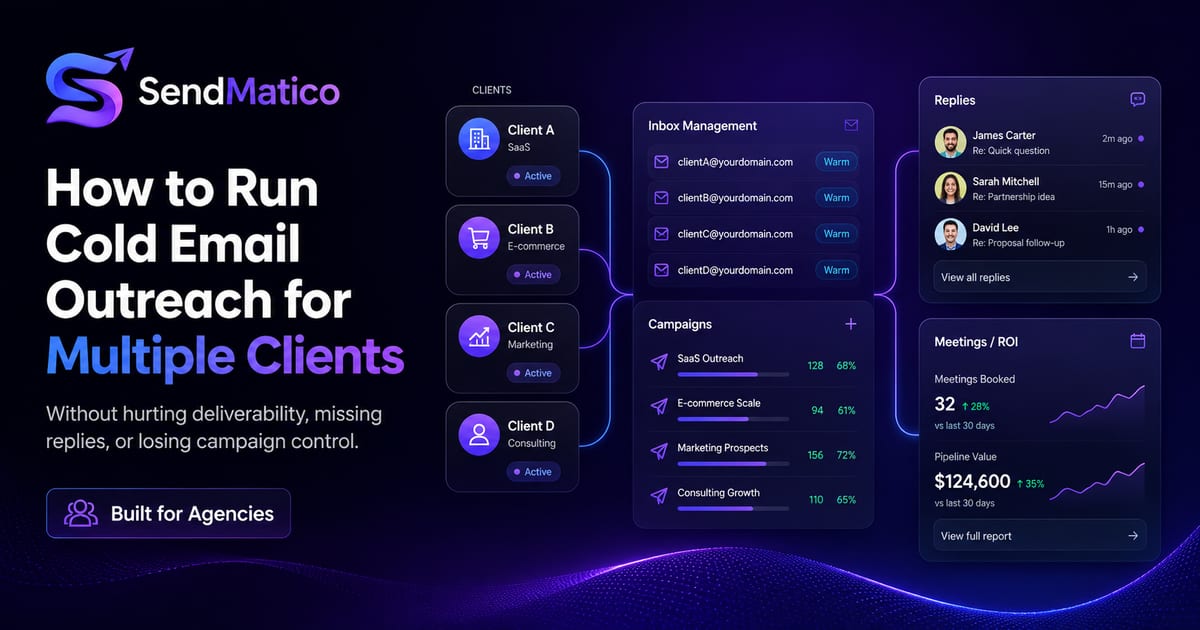
The main challenges agencies face
Multi-client cold email campaigns fail quietly before they fail loudly. The early symptoms are missed replies, inconsistent follow-ups, and deliverability dips that are hard to tie back to a specific client or inbox. Below are the operational bottlenecks outbound teams hit most often.
Too many inboxes
A single agency client might run three to ten sender accounts across Gmail, Outlook, or SMTP connections. Multiply that by your active roster and you are managing dozens of credentials, daily send limits, and warmup schedules. Without a central view, strategists lose track of which inbox owns which thread — and account managers cannot answer basic questions about send volume without opening multiple mailboxes.
Client campaign separation
Client A’s messaging, lead lists, and sender domains must stay isolated from Client B’s. Shared spreadsheets, copy-pasted templates, and one team login create real risk: wrong merge fields, cross-contaminated lists, or a follow-up sequence firing from the wrong brand. Separation is not just organizational hygiene — it protects client trust and reduces compliance headaches when prospect data must stay scoped per account.
Reply tracking
Replies are the signal that matters. When conversations live inside individual inboxes, your team depends on manual checks, forwarded emails, or Slack screenshots. Interested leads sit unanswered while SDRs chase vanity metrics. For appointment-setting agencies, a two-hour delay on a positive reply can mean a lost calendar slot.
Sending limits
Email providers enforce per-account and per-domain sending thresholds. Pushing one inbox too hard triggers throttling or spam placement that affects the whole domain — and every client sending from it. Agencies need a plan to distribute volume across inboxes rather than treating limits as an afterthought once campaigns underperform.
Reporting ROI
Clients pay for meetings and pipeline, not emails sent. When reply detection is manual and meeting tracking lives in a separate calendar tool, weekly reporting becomes a reconstruction exercise. Teams export CSVs, reconcile inboxes, and hope the numbers match what the client saw in their CRM.
Recommended agency workflow
A repeatable workflow keeps multi-client outreach predictable as you add accounts. The steps below assume you are running structured outbound — not one-off blasts — and that each client has clear ICP, offer, and success metrics.
1. Client setup
Create a dedicated workspace or campaign group per client before touching lead data. Document the client’s value proposition, approved messaging angles, sending domains, and compliance requirements (unsubscribe handling, data retention, opt-out language). This becomes the source of truth when copywriters rotate or a new strategist joins the account.
2. Sender accounts
Connect sender emails per client — not one shared pool unless the client explicitly owns that infrastructure. Warm new inboxes before full campaign volume where possible, and map each account to realistic daily caps. If you use multi-inbox sending and warmup, keep warmup activity visible alongside live campaigns so account managers know when an inbox is ready to ramp.
3. Lead lists
Import prospect lists with consistent field mapping so personalization placeholders resolve correctly on every send. Tag lists by client and campaign so re-imports do not overwrite active sequences. Connecting leads and sender accounts should not consume credits on usage-based platforms — you pay when outreach activity happens, not when you organize data.
4. Campaign sequences
Build multi-step sequences with conditional follow-ups when prospects do not reply. Keep initial emails concise, limit links in early touches, and align sending windows with the client’s target geography. For agencies running similar playbooks across clients, use templates — but always customize proof points and offers so sequences do not read as duplicated spam.
5. Reply handling
Route replies into a unified workflow instead of individual mailboxes. Assign ownership so strategists know who responds to positive, neutral, and objection replies. Pause or stop automated follow-ups when a lead engages — continuing sequences after a reply damages credibility fast.
6. Meeting tracking
Track calendar links embedded in outreach emails so booked calls tie back to the campaign and client that generated them. Meeting data belongs in client reports alongside reply counts — not in a separate spreadsheet your team updates on Fridays.
How multi-inbox sending helps
Multi-inbox sending distributes campaign volume across connected sender accounts instead of concentrating sends on one mailbox. For agencies, that means each client can scale outbound without a single inbox absorbing the entire daily limit.
Rotation also limits blast radius when one account hits a deliverability issue. If a domain shows warning signals on a sender health check, you can pause that inbox while others continue — rather than halting the entire client program. Pair rotation with conservative ramp schedules on new domains, especially when launching cold email for a client whose brand reputation depends on inbox placement.
SendMatico supports Gmail, Outlook, and SMTP sender connections with multi-inbox infrastructure designed for agency workflows. Explore the full capability on our features page or see how it fits agency cold email operations.
How reply detection reduces missed opportunities
Reply detection monitors connected inboxes for responses from campaign leads and surfaces them in your outreach dashboard. Instead of asking team members to refresh Gmail every hour, interested replies appear where campaigns already live.
That visibility matters most when you run parallel client programs. A strategist managing three accounts cannot manually scan fifteen inboxes and still hit response-time SLAs. Centralized reply detection lets you prioritize hot leads, assign follow-ups, and stop sequences automatically when a conversation starts.
On SendMatico, reply detection is credit-based — five credits per reply detected from a lead — so costs align with meaningful engagement rather than flat per-seat fees. Learn more in our guide on cold email reply detection.
How to report results to clients
Client reporting should answer three questions: how many qualified conversations started, how many meetings were booked, and what changed week over week. Emails sent alone rarely justify a retainer — especially for appointment-setting agencies where calendar outcomes define success.
- Export or screenshot reply counts per campaign for the reporting period.
- Include meetings tracked from calendar links tied to outreach emails.
- Note inbox health actions taken (warmup completed, volume adjusted, domain checks reviewed).
- Summarize next-week plan: list refreshes, sequence tests, or inbox additions.
Transparent reporting builds retention. When clients see replies and meetings sourced from your platform — not reconstructed manually — renewals get easier. Pair operational metrics with context: what you tested, what you paused, and what you recommend scaling next month.
What to include in a weekly client report
Keep reports short and outcome-focused. A one-page summary beats a twenty-slide deck nobody reads. Start with replies and meetings — the metrics clients hired you to produce — then add context on infrastructure actions (inboxes added, warmup completed, sequences paused for testing).
- Replies received and categorized (positive, neutral, objection, not interested).
- Meetings booked or detected from tracked calendar links.
- Active campaigns and sequence step performance at a high level.
- Infrastructure notes: new inboxes warming, domains checked, volume adjustments.
- Next-week plan: list updates, copy tests, or inbox expansion.
Assigning team roles across clients
Multi-client outreach fails when everyone owns everything. Define roles early: who sets up sender accounts, who writes sequences, who triages replies, and who owns client reporting. Even a team of three benefits from clear handoffs — the strategist who wrote the campaign should not be the only person who knows which inbox sent step three of the sequence.
Shared platform access beats shared mailbox passwords. When reply detection and campaign data live in one dashboard, handoffs do not depend on forwarding threads or screenshotting Gmail. New hires onboard faster because client context is searchable instead of buried in personal inboxes.
Scaling without losing separation
Growth usually means adding clients, not cutting corners on separation. Resist the temptation to reuse the same sender pool across unrelated brands — it simplifies setup but creates cross-client risk when one domain gets flagged. Instead, standardize your setup checklist so each new client gets the same rigorous onboarding in less time.
Mistakes to avoid
- Sharing one login across clients — separation breaks and audit trails disappear.
- Skipping warmup on fresh inboxes before high-volume sends.
- Running identical copy across clients on the same domains — spam filters notice patterns.
- Ignoring unsubscribe and opt-out handling because outreach is “just cold email.”
- Reporting sends instead of replies and meetings — clients churn when metrics do not match outcomes.
- Adding inboxes without updating rotation rules — volume piles onto the same two accounts.
When agencies should move from spreadsheets to software
Spreadsheets work for one client and one inbox. They break when you need campaign separation, multi-inbox rotation, reply visibility, and client-ready reporting at the same time. Consider moving to dedicated software when:
Signs you have outgrown manual ops
- You manage more than three active client outbound programs simultaneously.
- Reply triage takes more than an hour per day across team members.
- You cannot confidently report meetings tied to specific campaigns.
- Deliverability issues on one client domain affect others because infrastructure is shared blindly.
- Onboarding a new client takes days because setup is copy-paste from the last account.
SendMatico is built for this transition: credit-based pricing without monthly subscriptions, multi-inbox outreach, reply detection, meeting tracking, and deliverability tooling in one platform. Start with the free trial credits to map your first client workflow before committing to a larger pack.
Need help scoping agency onboarding? Book a demo with sales to walk through client setup, sender accounts, and reporting for your roster.
Building a weekly operating rhythm
Multi-client outreach needs a cadence, not just a launch checklist. Block recurring time for inbox health reviews, reply triage, and client reporting — separate from copywriting and list building. Teams that only react to fires spend Fridays reconstructing what happened instead of planning next week’s tests.
- Monday: review sender health signals and warmup status across clients.
- Daily: triage detected replies and assign owners before noon in the prospect’s timezone.
- Mid-week: check rotation distribution — no inbox should silently absorb extra volume.
- Friday: publish client summaries with replies, meetings, and next-week plan.
Operating rhythm scales better than heroics. When a senior strategist leaves, documented cadence keeps client programs running because the workflow lives in the platform — not in one person’s memory of which Gmail tab matters today.
Copy quality still matters
Infrastructure fixes deliverability risk; it does not fix irrelevant offers. The best multi-inbox setup in the world cannot save messaging that ignores ICP fit. Pair operational discipline with list quality, concise value props, and follow-ups that add new information instead of repeating the same ask.
Continue reading
More guides on agency cold email, deliverability, and outreach operations.
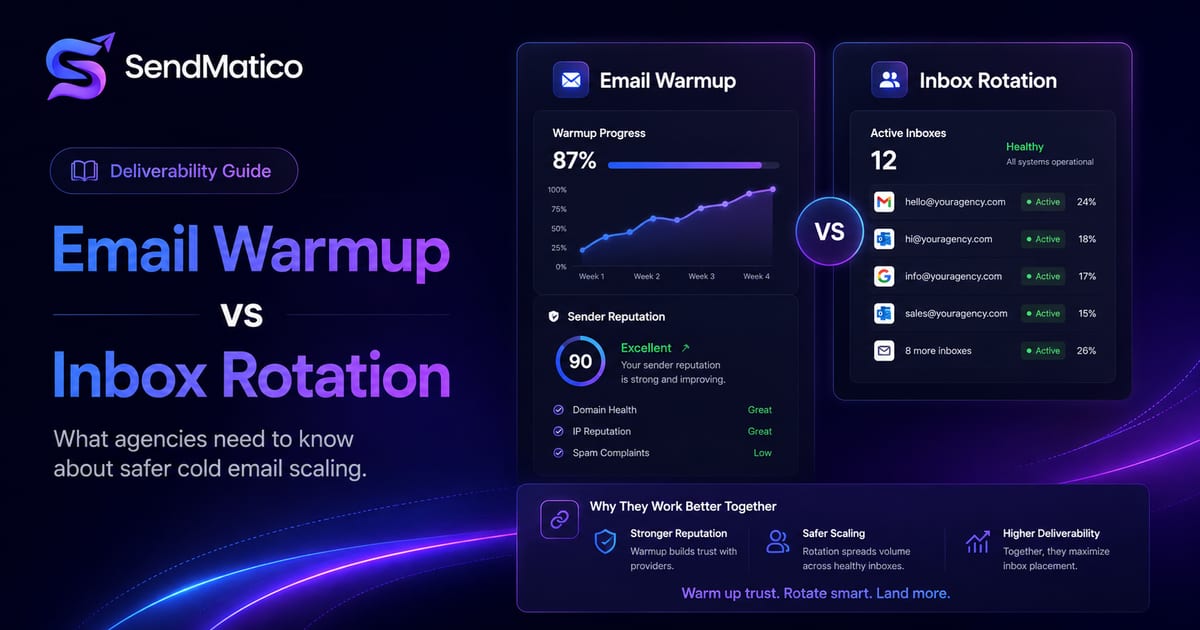
Email Warmup vs Inbox Rotation: What Agencies Need to Know
Understand the difference between email warmup and inbox rotation, and how both help agencies scale cold email outreach more safely.
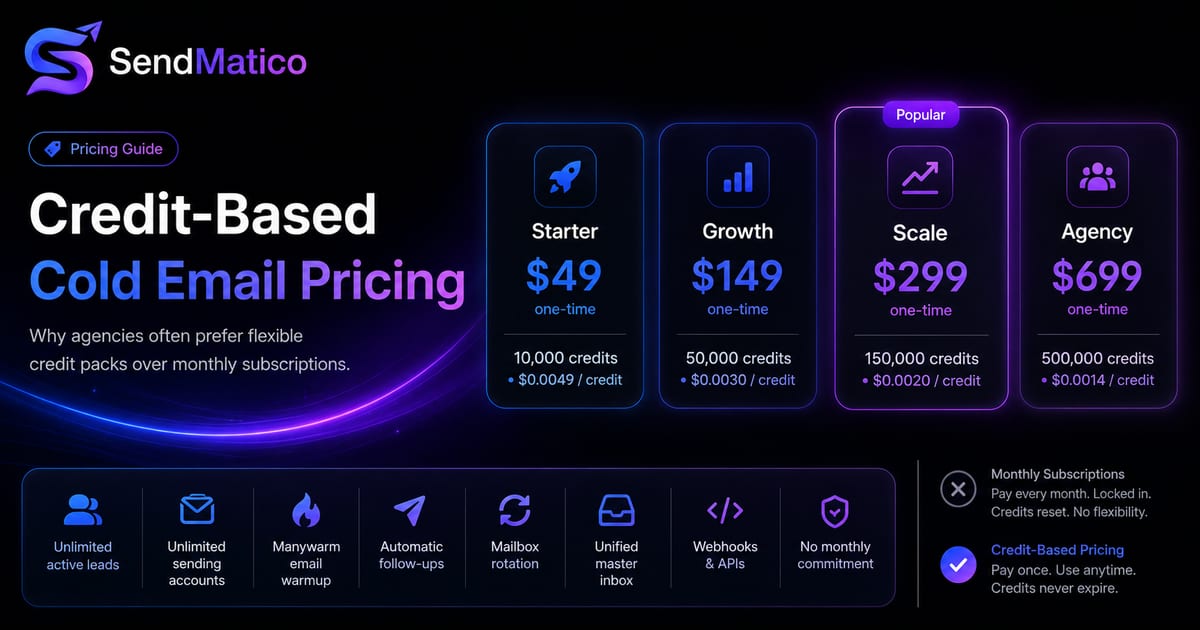
Credit-Based Cold Email Pricing vs Monthly Subscriptions
Compare credit-based cold email pricing with monthly subscriptions and learn why agencies may prefer buying credits only when they need them.
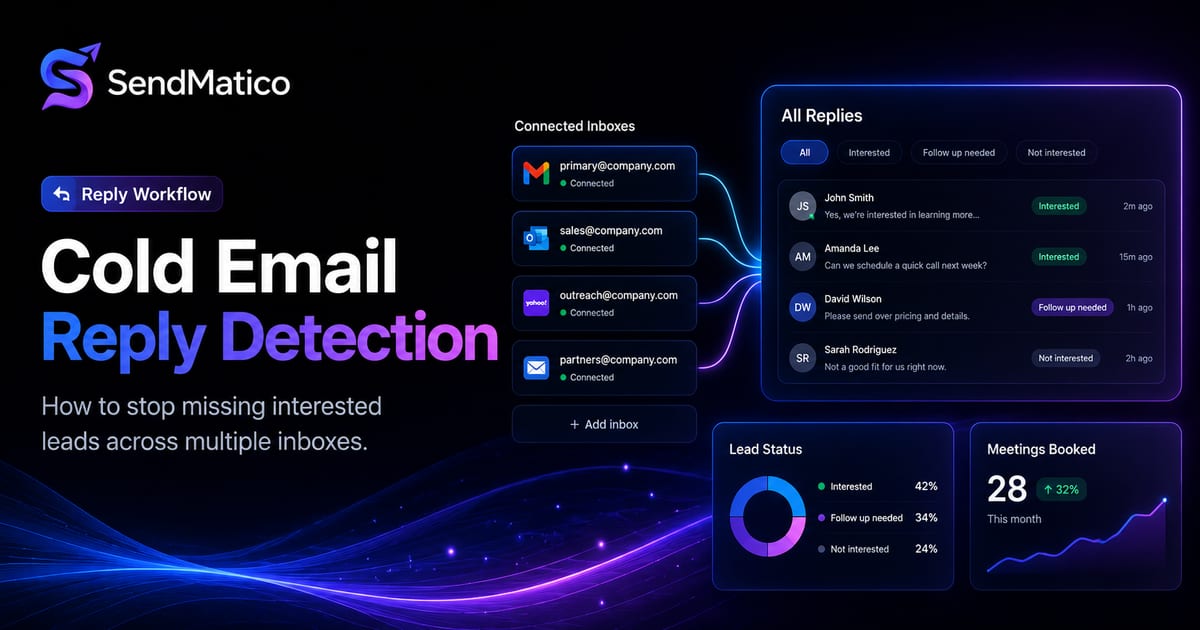
Cold Email Reply Detection: How to Stop Missing Interested Leads
Learn how cold email reply detection helps outbound teams catch interested leads, reduce manual inbox checking, and respond faster.
Ready to run outreach?
Start with free trial credits or book a demo to see SendMatico in your workflow.