Cold Email Reply Detection: How to Stop Missing Interested Leads
The most expensive cold email mistake is not a bad subject line — it is a missed reply. A prospect who takes time to respond is showing intent. When that message sits unread in a sender inbox while your team checks three other mailboxes and a shared Slack channel, you lose momentum, calendar slots, and client trust.
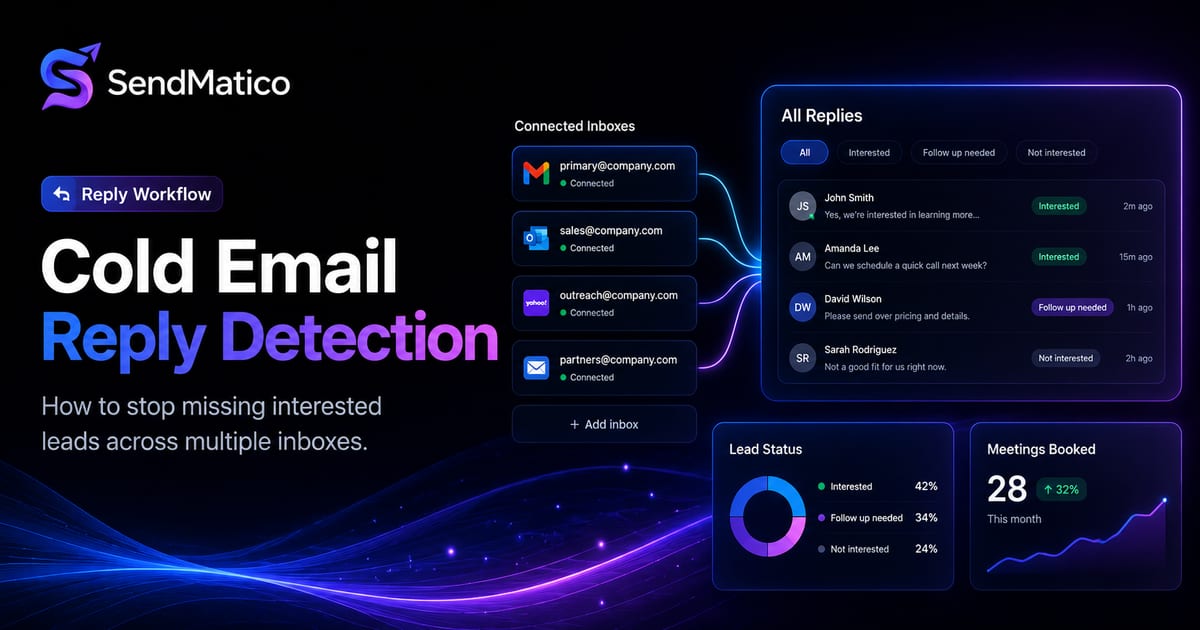
Cold email reply detection exists to close that gap — surfacing lead responses in your outreach platform instead of leaving teams to poll individual inboxes. This guide covers why replies disappear, how detection works, and what to evaluate when choosing tooling.
The cost of missed replies
Reply speed matters in outbound. Interested prospects often contact multiple vendors or lose urgency within a day. When your team discovers a positive reply twenty-four hours late, the conversation starts uphill — if it starts at all.
For agencies, missed replies damage client relationships directly. Retainers assume you catch opportunities quickly. A lead who wrote “yes, let’s talk” and heard silence may not reply twice. Appointment-setting teams feel this even more sharply: calendar availability moves fast.
Speed is a process problem as much as a motivation problem. Manual inbox checking does not fail because teams do not care — it fails because checking many mailboxes twice daily does not scale alongside campaign builds, client calls, and copy revisions. Reply detection removes the polling step so responsiveness becomes a workflow default instead of a heroic individual effort.
Why replies get lost
Too many inboxes
Agencies rotate sends across multiple Gmail, Outlook, and SMTP accounts. Replies land in whichever inbox sent the thread — not a central queue. Without aggregation, detection depends on someone opening every mailbox regularly.
Multiple clients
Client separation is healthy for data hygiene but multiplies inbox count. A strategist managing four clients with four inboxes each is watching sixteen mailboxes for replies — on top of campaign edits, list imports, and reporting.
Multiple campaigns
Parallel sequences mean parallel conversation threads. Replies reference earlier messages your team may not remember without campaign context. Manual checking forces people to search inbox history and guess which client owns the thread.
Manual checking
“Check inboxes twice a day” policies break the moment someone is sick, on a call, or juggling a launch. There is no alert, no assignment, no audit trail — just hope.
Team handoff issues
When replies stay in individual mailboxes, handoffs fail. A setter who finds a reply at 4 p.m. may Slack a screenshot to an AE who responds the next morning. Context gets lost; follow-ups duplicate or never send.
What cold email reply detection is
Reply detection monitors connected sender inboxes for responses from leads in active campaigns and surfaces those messages in your outreach dashboard. On SendMatico, detected replies appear alongside campaign data so strategists respond from one workflow instead of hunting across mailboxes.
Detection consumes five credits per reply identified from a lead — pricing activity, not inbox access. That model fits agencies whose reply volume varies by client season. Full rules live on the pricing page.
Reply detection is not the same as a shared team inbox. It specifically ties responses to campaign leads so context — which sequence, which step, which client — travels with the message. That context matters when you run similar offers for different clients and need to respond with the correct calendar link, case study, or pricing sheet.
How reply detection supports follow-up automation
Automated follow-ups should stop when a human conversation starts. Reply detection gives your platform the signal to pause sequences — so prospects do not receive “just bumping this” emails after they already said yes.
Pair detection with Personalized Email Automation and how to send personalized emails automatically so outreach runs hands-off until a reply requires human judgment. That handoff point is where pipeline actually forms.
Why agencies need a unified reply workflow
A unified reply workflow means every team member sees lead responses in the same place — with campaign and client context attached. Assign ownership, track response times, and report reply counts without exporting from individual inboxes.
This is especially important for multi-client agency outbound. Client reporting should pull reply metrics from the platform, not from a strategist’s memory of which Gmail tab had activity yesterday.
Reply detection vs manual inbox checking
| Factor | Manual checking | Reply detection |
|---|---|---|
| Visibility | Scattered across mailboxes | Centralized in outreach dashboard |
| Speed | Depends on who checks when | Surfaces replies as they arrive |
| Scale | Breaks beyond a few inboxes | Designed for multi-inbox agency setups |
| Reporting | Hard to aggregate for clients | Reply counts available per campaign |
| Sequence control | Easy to miss pausing follow-ups | Signal to stop automation when leads engage |
| Team handoffs | Slack screenshots and forwards | Shared visibility with assignment |
What to look for in reply detection software
Reply detection evaluation checklist
- Works with your sender types — Gmail, Outlook, SMTP as needed.
- Ties replies to campaigns and leads, not just raw inbox search.
- Supports multiple clients or workspaces without shared-login hacks.
- Pauses or stops follow-ups when replies arrive.
- Pricing model fits your reply volume — per detection vs flat seats.
- Integrates with meeting tracking so replies that book calls are captured end-to-end.
SendMatico covers these patterns for agency and founder outbound on the features page. We do not claim universal integration with every CRM — evaluate your stack against what you actually need for handoffs.
How meeting tracking connects to replies
Replies and meetings are linked outcomes. A positive reply often ends in a booked call — and some prospects skip email entirely and click your calendar link. SendMatico tracks meetings from calendar links in outreach emails (five credits per meeting booked or detected), so reporting covers both conversation starts and scheduled calls.
Together, reply detection and meeting tracking give clients a clearer picture than open rates or send volume alone. That is the reporting story that supports renewals — not vanity metrics from a spreadsheet.
Build a simple reply SLA for your team: positive replies get a first response within a defined window, neutral replies get templated qualification, objections route to strategists who know the client offer. Reply detection makes SLAs enforceable because messages surface in a shared queue instead of waiting for someone to remember inbox checks between meetings.
Ready to see reply detection in context? Explore SendMatico features or start with free trial credits on the pricing page.
Designing team reply workflows
Reply detection only helps if someone owns the queue. Define categories upfront: interested, question, referral, not now, hard no. Assign routes — closers handle interested, strategists handle objections, ops handles not-now nurture. Without categories, every reply feels equally urgent and nothing gets answered first.
- Tag or assign replies at intake — do not leave them in an unowned pool.
- Pause sequences immediately when a human conversation starts.
- Log outcomes back to client reporting weekly.
- Review missed-response patterns monthly — are certain inboxes or campaigns consistently late?
Reply quality over reply volume
Detection surfaces messages; humans still write responses. Fast, relevant replies beat fast generic ones. Use campaign context — which offer, which case study, which calendar link — so prospects feel continuity from the email that generated their reply.
For agencies, templated first responses can work if placeholders are client-specific. Avoid copy that obviously could belong to any brand on your roster. Reply detection gives you speed; personalization gives you conversion.
Continue reading
More guides on agency cold email, deliverability, and outreach operations.
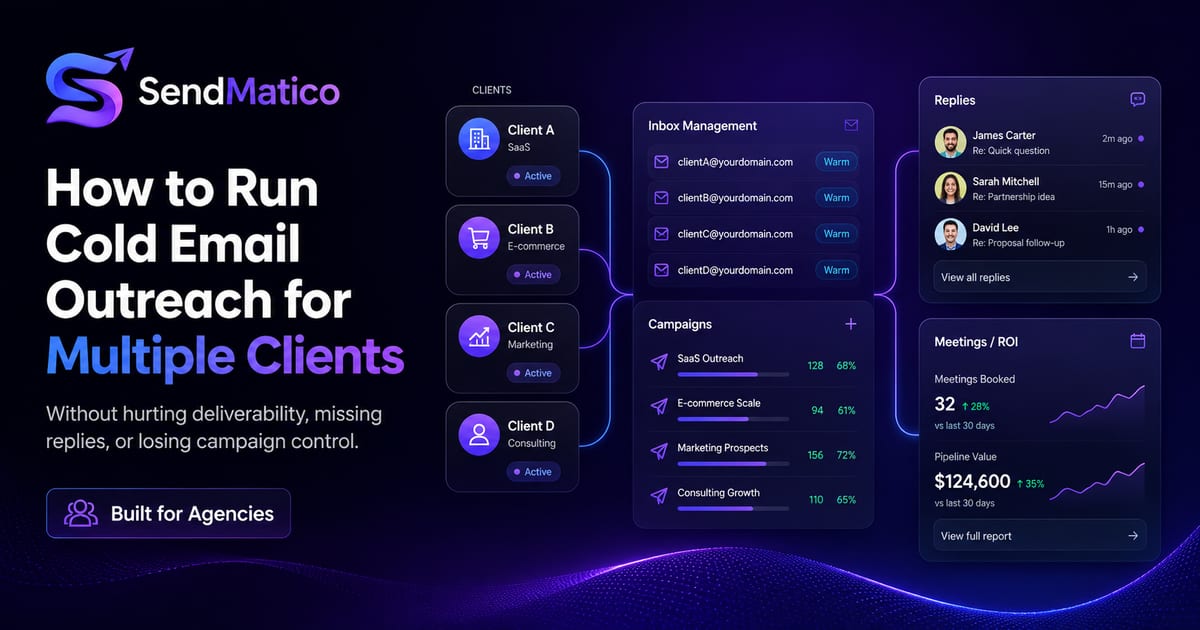
How to Run Cold Email Outreach for Multiple Clients Without Hurting Deliverability
Learn how agencies can manage cold email outreach for multiple clients without inbox chaos, missed replies, or deliverability issues.
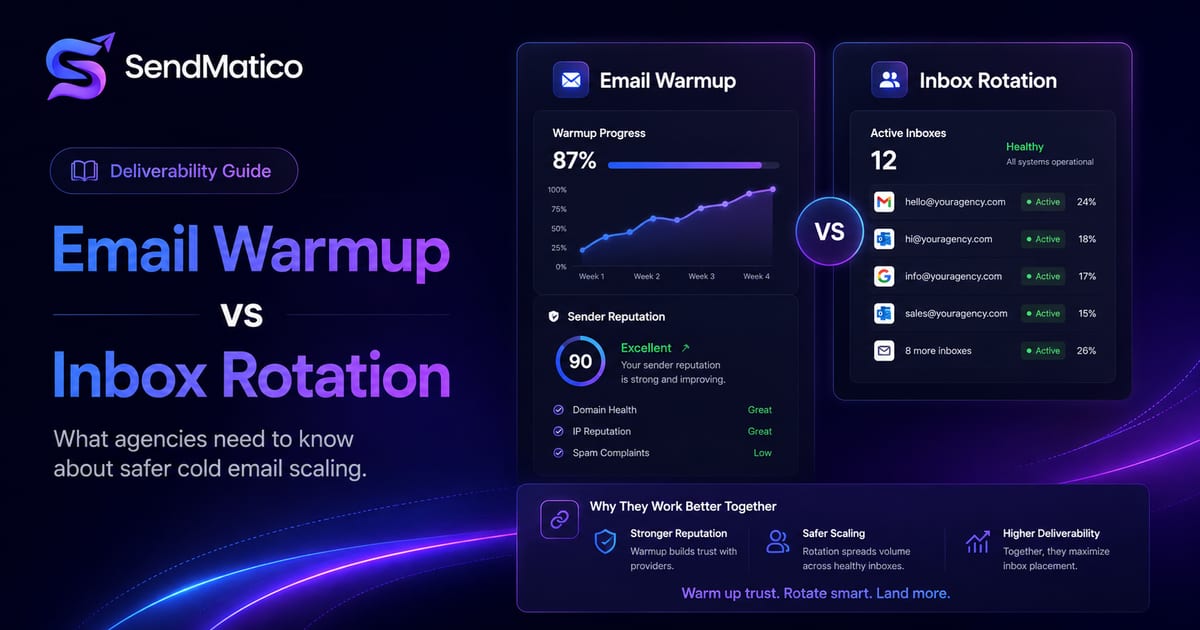
Email Warmup vs Inbox Rotation: What Agencies Need to Know
Understand the difference between email warmup and inbox rotation, and how both help agencies scale cold email outreach more safely.
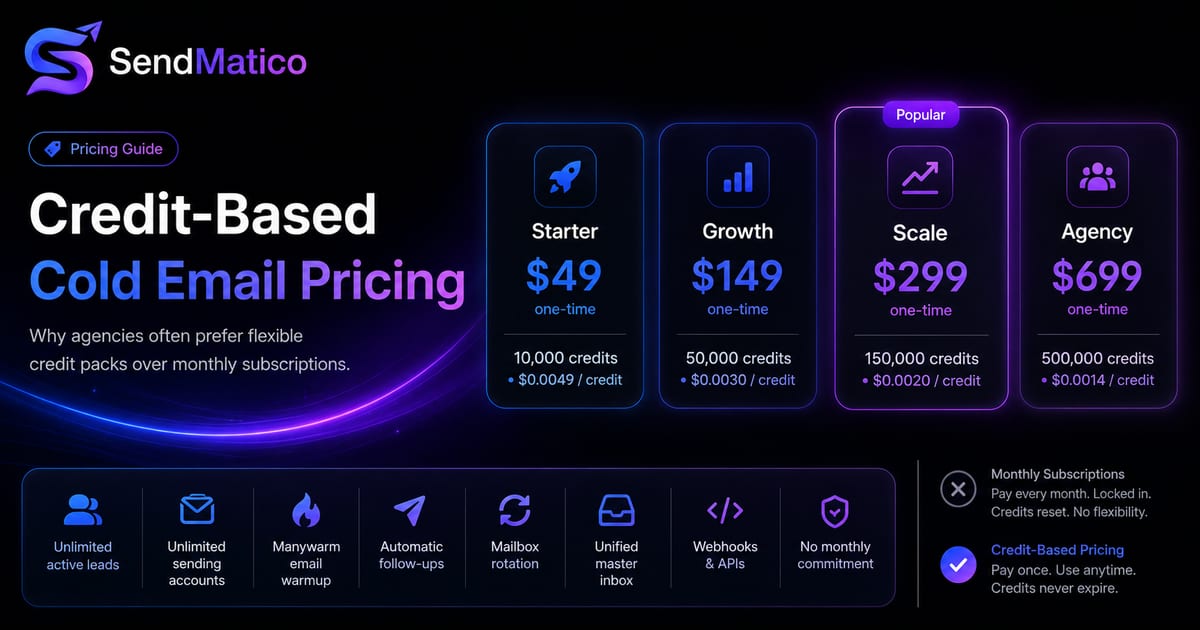
Credit-Based Cold Email Pricing vs Monthly Subscriptions
Compare credit-based cold email pricing with monthly subscriptions and learn why agencies may prefer buying credits only when they need them.
Ready to run outreach?
Start with free trial credits or book a demo to see SendMatico in your workflow.