Email Warmup vs Inbox Rotation: What Agencies Need to Know
Deliverability problems rarely arrive with a clear error message. More often, reply rates drift down, open rates become unreliable, and inboxes that worked last month suddenly land in spam. When agencies increase cold email volume, two concepts come up constantly: email warmup and inbox rotation. They sound similar but solve different problems — and most outbound teams need both.
This article explains email warmup vs inbox rotation in plain terms — what each does, when to use it, and how they fit together in an agency outbound stack. We will stick to concepts reflected in SendMatico’s product and public documentation, without promising specific inbox placement outcomes.
Why deliverability breaks when volume increases
Email providers evaluate sender reputation using signals you cannot see in a campaign dashboard: complaint rates, engagement patterns, authentication records, sudden volume spikes, and historical sending behavior on a domain or mailbox. Cold outreach adds pressure because recipients did not opt in — so low relevance or aggressive volume triggers filters faster than with newsletter mail.
Agencies feel this acutely. A new client launch often means new domains, fresh inboxes, and immediate pressure to show pipeline. Jumping from zero to hundreds of sends per day on a cold mailbox is a common trigger for throttling. Deliverability is less about finding a magic template and more about respecting infrastructure limits over time.
Two tools address different parts of that problem. Warmup prepares individual mailboxes for sustainable sending. Rotation spreads live campaign volume so no single inbox carries the entire load. Confusing the two — or skipping one — is a common reason agency programs look fine in week one and struggle by week four.
What email warmup means
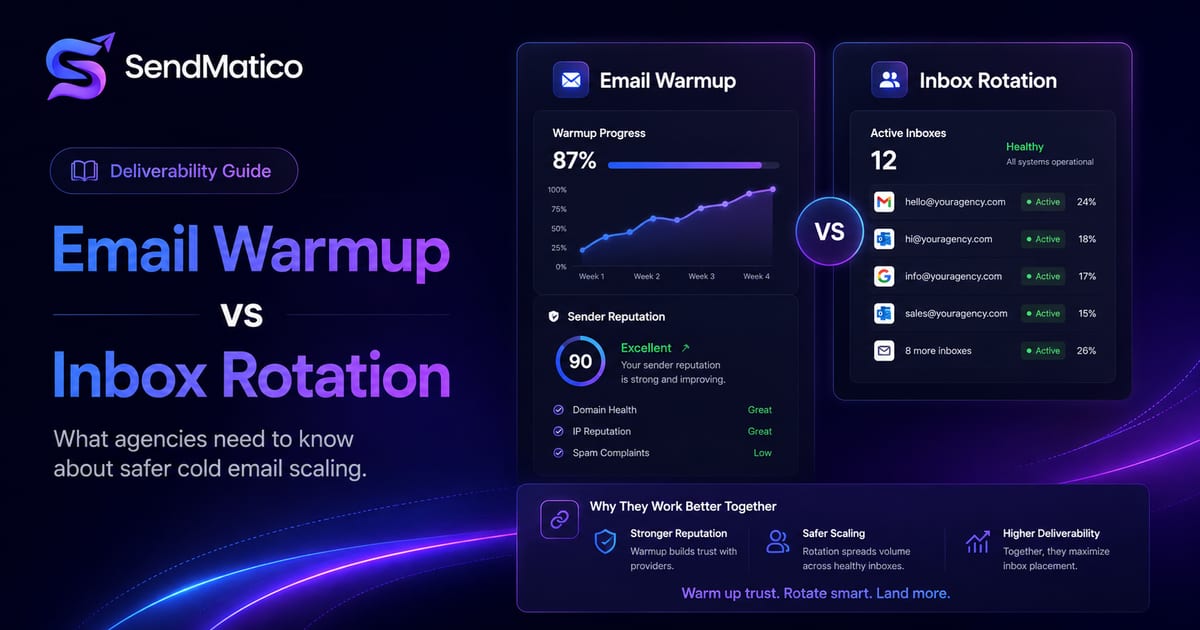
Email warmup is the practice of gradually increasing sending activity on a new or dormant sender account before it handles full campaign volume. Warmup messages simulate normal mailbox usage — sends, replies, and engagement patterns that establish baseline reputation with providers like Gmail and Outlook.
On SendMatico, automated warmup sequences run on connected sender accounts. Warmup is credit-based: one credit per ten warmup emails sent, keeping costs proportional to activity. The goal is to prepare inboxes before client campaigns ramp, not to replace thoughtful targeting or compliant list practices.
Warmup is not a one-time event. Mailboxes that sit idle for weeks may need a conservative ramp again before heavy campaign volume. Factor warmup time into client onboarding timelines — especially when a retainer start date assumes immediate full sends from brand-new domains.
What inbox rotation means
Inbox rotation distributes outbound sends across multiple connected sender accounts instead of concentrating volume on one mailbox. Each inbox stays within safer daily limits while the campaign still reaches target volume in aggregate.
Rotation is an operational strategy for active campaigns — not a substitute for preparing new inboxes. Think of warmup as getting accounts road-ready; rotation as spreading highway traffic across lanes once you are moving.
SendMatico supports multi-inbox sending with Gmail, Outlook, and SMTP connections, letting agency teams assign sender pools per client and rotate activity across them. See multi-inbox sending on the features page for how this fits alongside warmup and sender domain health monitoring.
Rotation rules should match your team’s operational reality. Some agencies rotate evenly across all connected inboxes; others weight higher-reputation accounts for larger share of volume. Document the approach per client so strategists do not accidentally concentrate sends when they add a new sequence.
Warmup vs rotation comparison
| Factor | Email warmup | Inbox rotation |
|---|---|---|
| Primary goal | Build sender reputation on new or idle accounts | Distribute live campaign volume across accounts |
| When it runs | Before and during early sending ramp | During active outbound campaigns |
| Typical use case | New client domain setup, replacing an inbox | Scaling sends without exceeding per-inbox limits |
| SendMatico support | Automated warmup sequences (credit-based) | Multi-inbox sending infrastructure |
| Risk if skipped | Sudden volume spikes on cold mailboxes | One inbox absorbs all sends and hits limits |
Why agencies need both
Warmup without rotation still leaves you with one inbox carrying full campaign load once ramp completes. Rotation without warmup sends high volume from accounts that providers still treat as suspicious. Together, they address different phases of the same problem: sustainable outbound at agency scale.
A practical agency pattern looks like this: connect sender accounts per client, run warmup on new inboxes, monitor domain health signals, then launch sequences with rotation rules that keep any single mailbox within conservative daily caps. Adjust volume when health checks flag authentication gaps or reputation warnings — SendMatico’s sender domain health tooling checks SPF, DKIM, and DMARC records alongside other signals so teams can fix issues before scaling further.
Consider a three-phase launch for new client domains: phase one runs warmup only; phase two launches low-volume campaigns across rotated inboxes; phase three increases caps weekly while monitoring reply rates and health signals. Skipping phase one or rushing phase three is where many agency programs create deliverability debt they pay down later with domain replacements and client apologies.
Sending limits and provider rules
Gmail, Outlook, and SMTP providers enforce sending thresholds that vary by account age, reputation, and authentication setup. Public documentation from providers changes over time — treat exact numeric limits as guidelines, not guarantees. Conservative ramp schedules beat aggressive guessing.
- Start new inboxes on lower daily caps even after warmup completes.
- Increase volume gradually week over week rather than doubling overnight.
- Pause or reduce sends on accounts showing bounce spikes or health warnings.
- Keep complaint rates low with relevant targeting and clear opt-out paths.
Common deliverability mistakes
- Treating warmup as a one-day checkbox instead of a gradual ramp.
- Rotating across inboxes that all share one unhealthy domain.
- Ignoring authentication records until campaigns already underperform.
- Using identical copy and links across every rotated inbox — filters correlate patterns.
- Continuing sequences after a prospect replies — it increases complaint risk.
- Buying more inboxes instead of fixing list quality or offer-market fit.
Basic deliverability checklist
Before scaling cold email for a client, walk through infrastructure basics. SendMatico’s sender domain health features help monitor several of these — but the checklist below applies regardless of tooling.
Pre-launch deliverability checklist
- SPF: one valid SPF TXT record on the sending domain (merge multiple records if needed).
- DKIM: public key published at the correct selector for your mail provider.
- DMARC: policy record at _dmarc.yourdomain.com — monitoring-only (p=none) is acceptable early but weaker than quarantine or reject.
- Sending volume: ramp gradually; avoid sudden spikes on new mailboxes.
- Reply quality: respond to interested replies quickly; stop automated follow-ups when conversations start.
- Unsubscribe handling: honor opt-outs promptly and keep list hygiene tight.
Authentication checks are advisory in SendMatico — they help you catch gaps early but do not block sending automatically. Use them as signals to fix configuration before increasing volume.
How SendMatico supports safer outreach workflows
SendMatico combines warmup, multi-inbox rotation, reply detection, and sender domain health in one credit-based platform — so agencies are not stitching together separate warmup subscriptions, outreach tools, and manual DNS spreadsheets.
Warmup, campaign sends, reply detection, and meeting tracking each consume credits based on activity, which aligns costs with client workload rather than flat monthly seats. Explore cold email software for agencies for the full agency workflow, or compare packs on the pricing page.
Deliverability is never fully guaranteed in cold outreach — list quality, offer relevance, and provider policies all matter. Warmup and rotation reduce self-inflicted infrastructure risk so your team can focus on messaging and reply handling instead of firefighting spam placement.
Agency scenarios where both matter
Scenario one: a new B2B client brings three fresh domains and expects outreach in two weeks. Warmup runs first; rotation activates once mailboxes handle modest campaign volume. Scenario two: an existing client doubles their TAM and wants twice the sends next month. Rotation expands first; warmup may only apply to newly added inboxes rather than the whole pool.
Scenario three: you replace a underperforming domain mid-retainer. Treat replacement inboxes like new senders — warmup, conservative caps, health checks — even if the client is impatient for volume. Shortcuts here often recreate the deliverability problem you just retired.
Monitoring without overreacting
Deliverability monitoring should inform decisions, not panic them. A single health warning on DKIM configuration is a fixable setup task. A pattern of rising bounces across a domain is a pause-and-review signal. Teach account managers the difference so they do not freeze campaigns on noise or ignore structural warnings.
SendMatico’s sender domain health tooling is advisory — it surfaces SPF, DKIM, DMARC, and related signals without blocking sends automatically. Use it as early warning alongside reply rate trends and provider feedback loops in your mailboxes.
Continue reading
More guides on agency cold email, deliverability, and outreach operations.
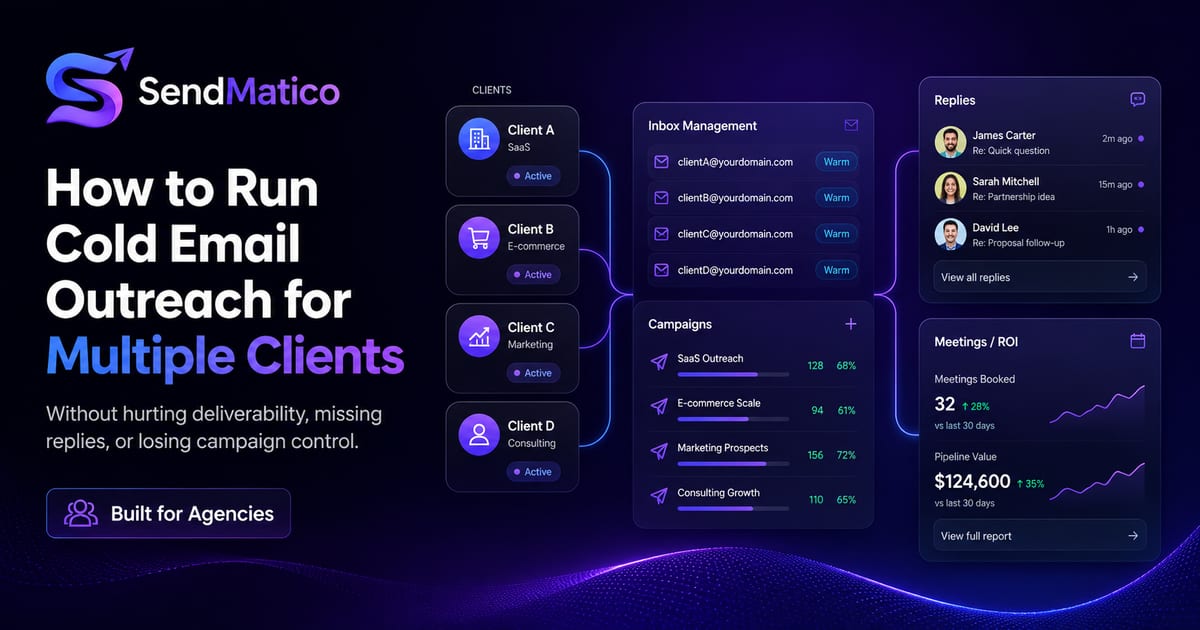
How to Run Cold Email Outreach for Multiple Clients Without Hurting Deliverability
Learn how agencies can manage cold email outreach for multiple clients without inbox chaos, missed replies, or deliverability issues.
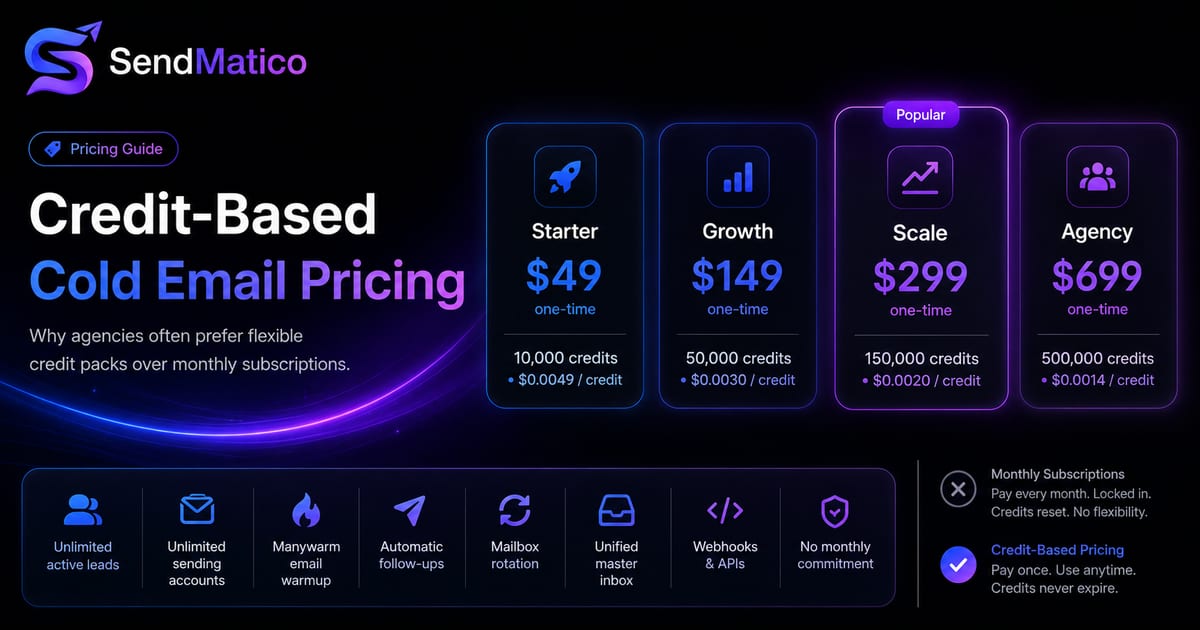
Credit-Based Cold Email Pricing vs Monthly Subscriptions
Compare credit-based cold email pricing with monthly subscriptions and learn why agencies may prefer buying credits only when they need them.
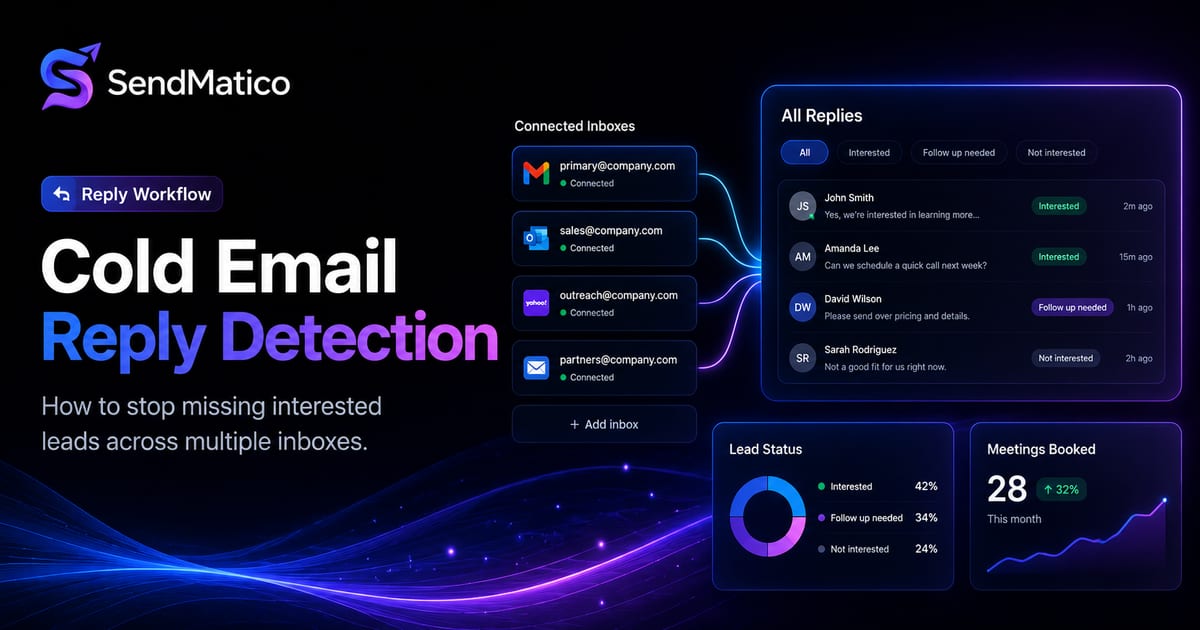
Cold Email Reply Detection: How to Stop Missing Interested Leads
Learn how cold email reply detection helps outbound teams catch interested leads, reduce manual inbox checking, and respond faster.
Ready to run outreach?
Start with free trial credits or book a demo to see SendMatico in your workflow.